

Admin Price Debug
Set Your Artwork Size
Step 1Enter the exact artwork dimensions. We use this as the starting point for the frame, mount, and price calculation.
Horizontal measurement of the visible artwork.
Vertical measurement of the visible artwork.
These are the artwork dimensions only. The finished frame package will become larger once the frame profile and mount are added.
Choose Frame Moulding and Finish
Step 2Browse moulding by colour, shape, width, and depth to find the frame style that fits your artwork.
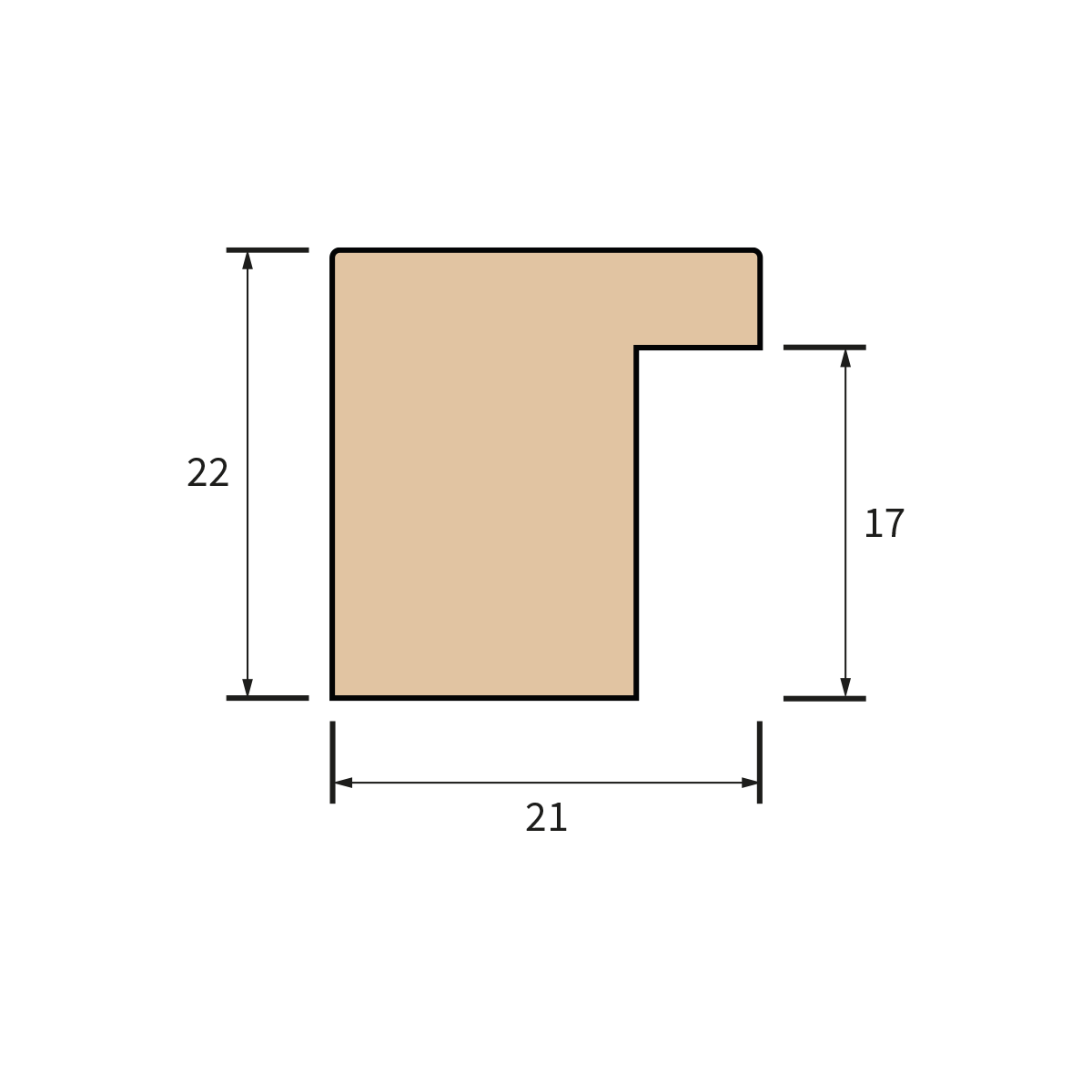
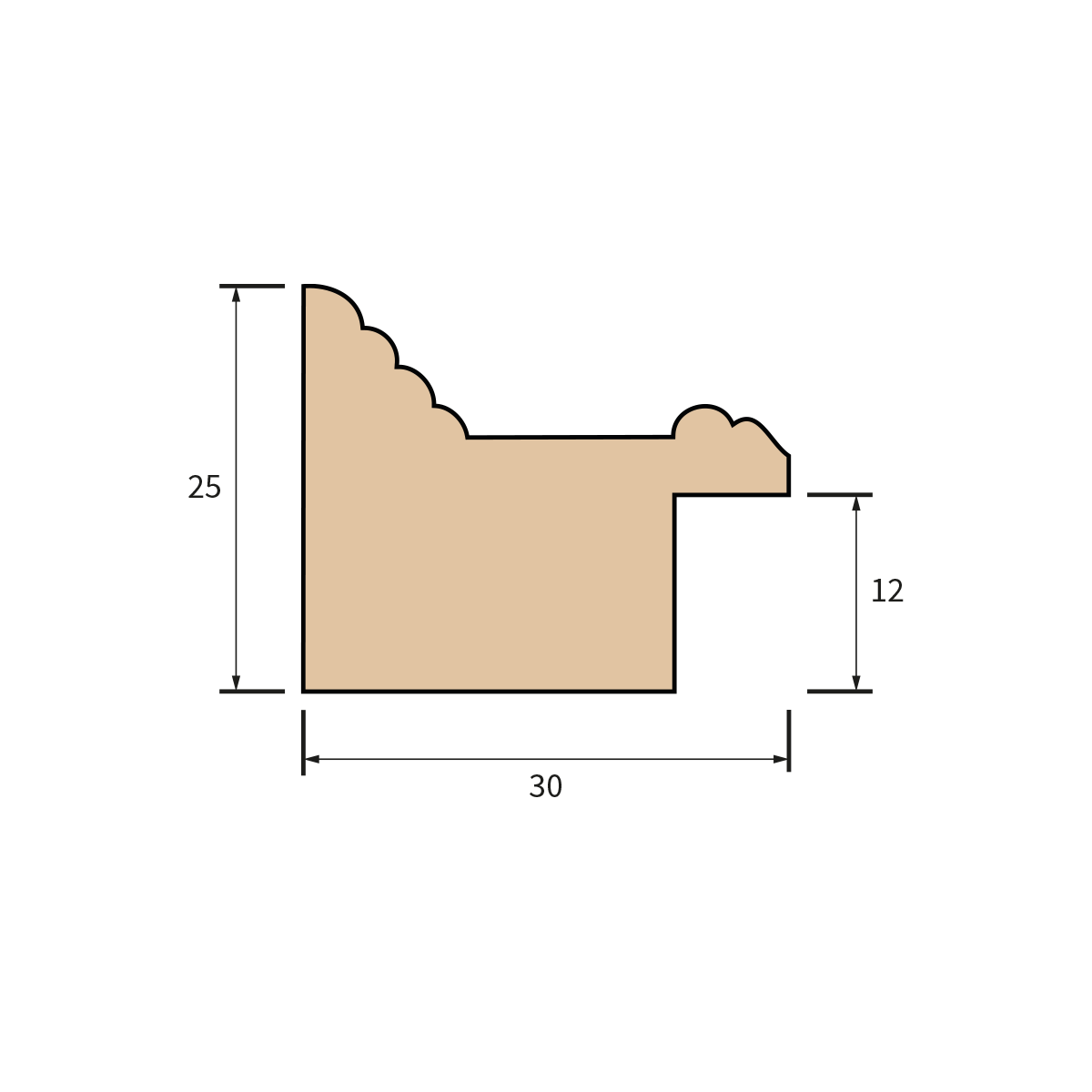
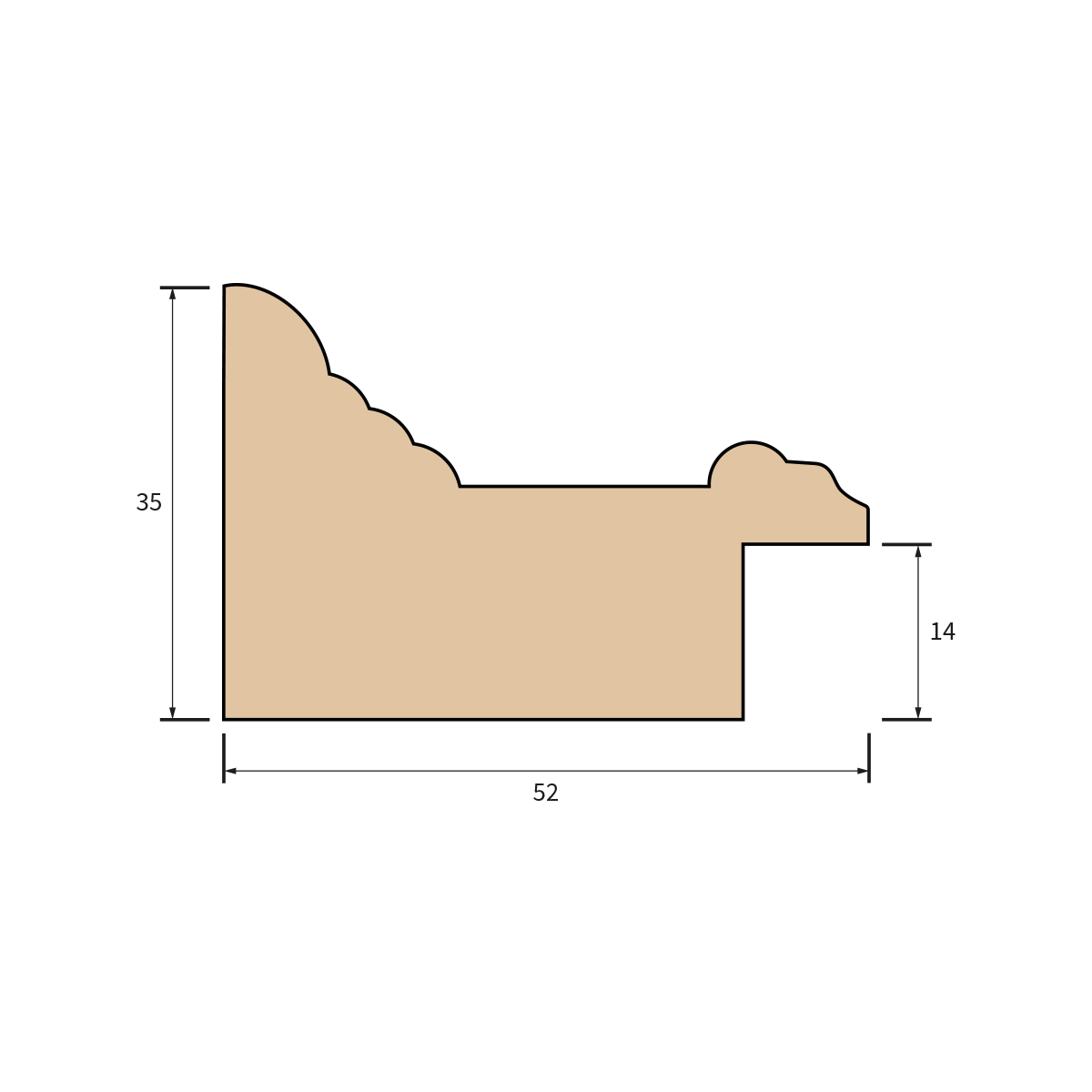
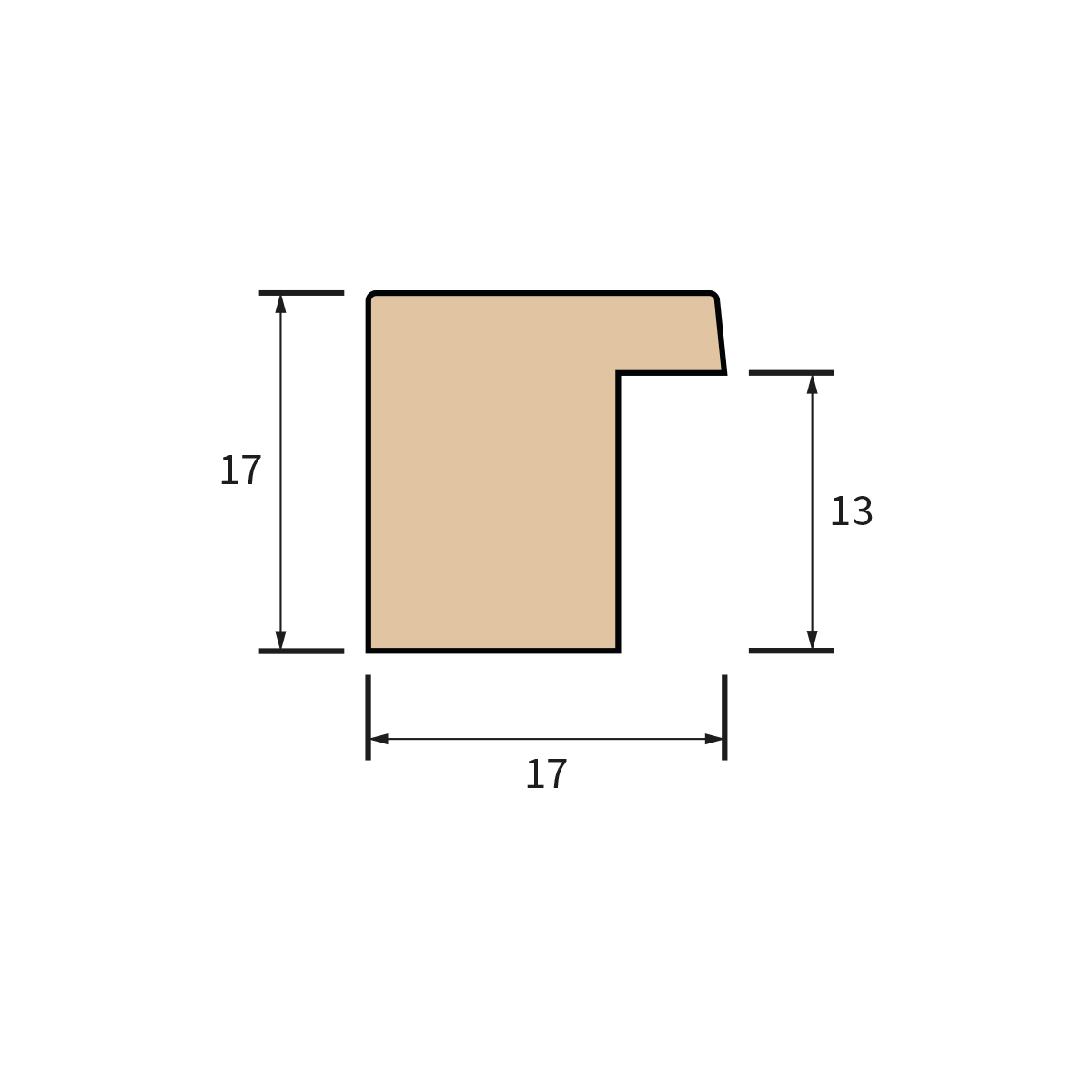
Frame Profile Shapes
Browse available profile shapes to understand the cross-section of each moulding style.
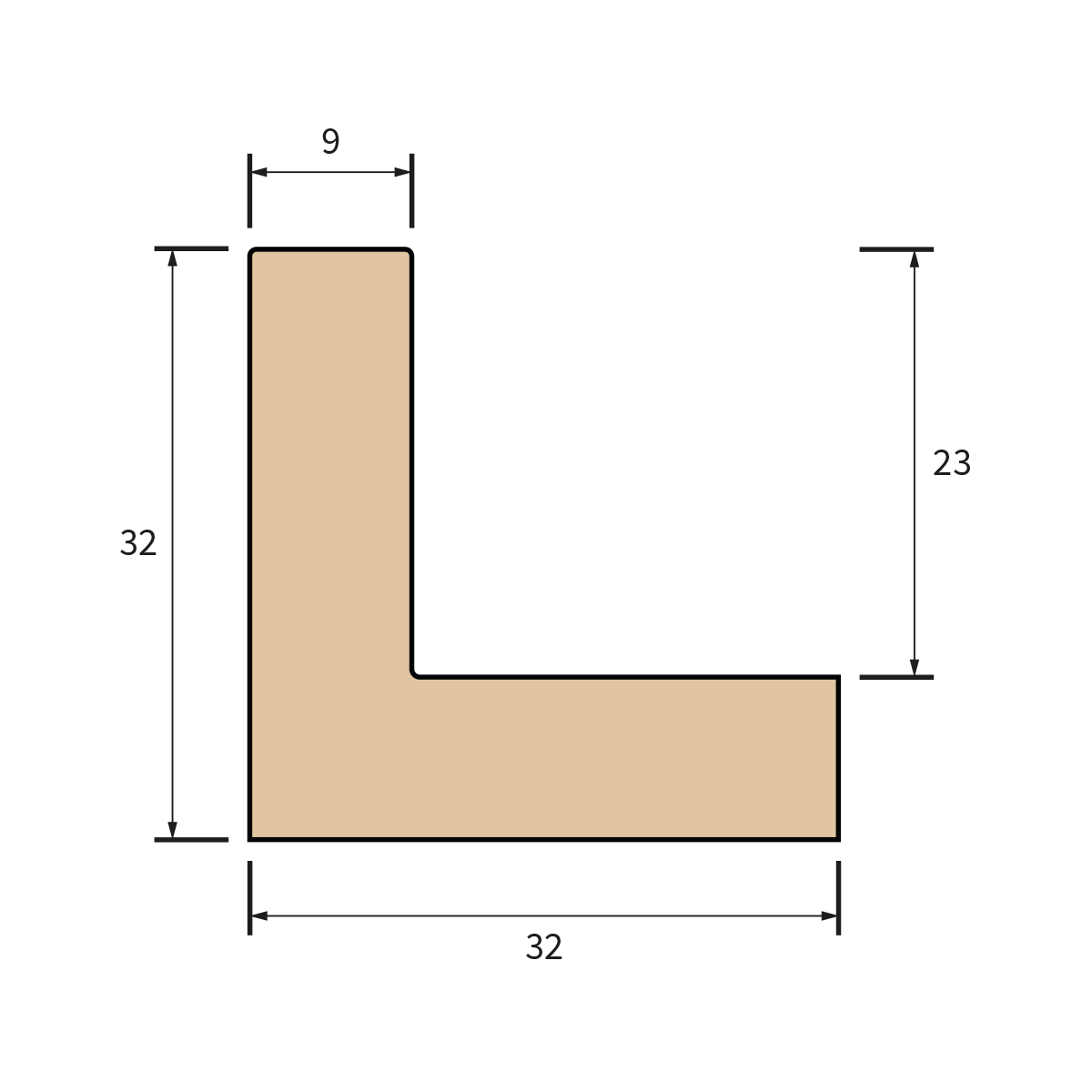
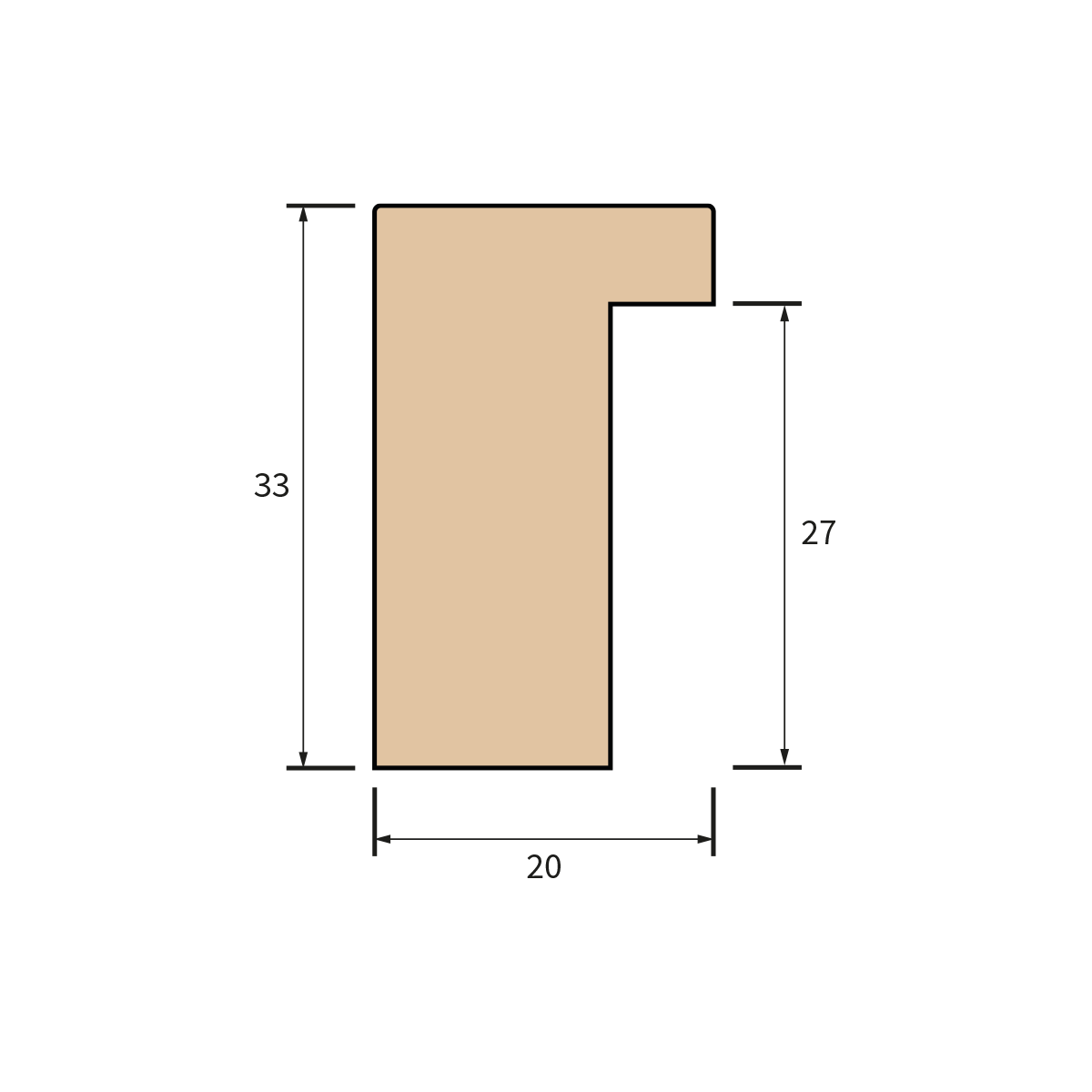
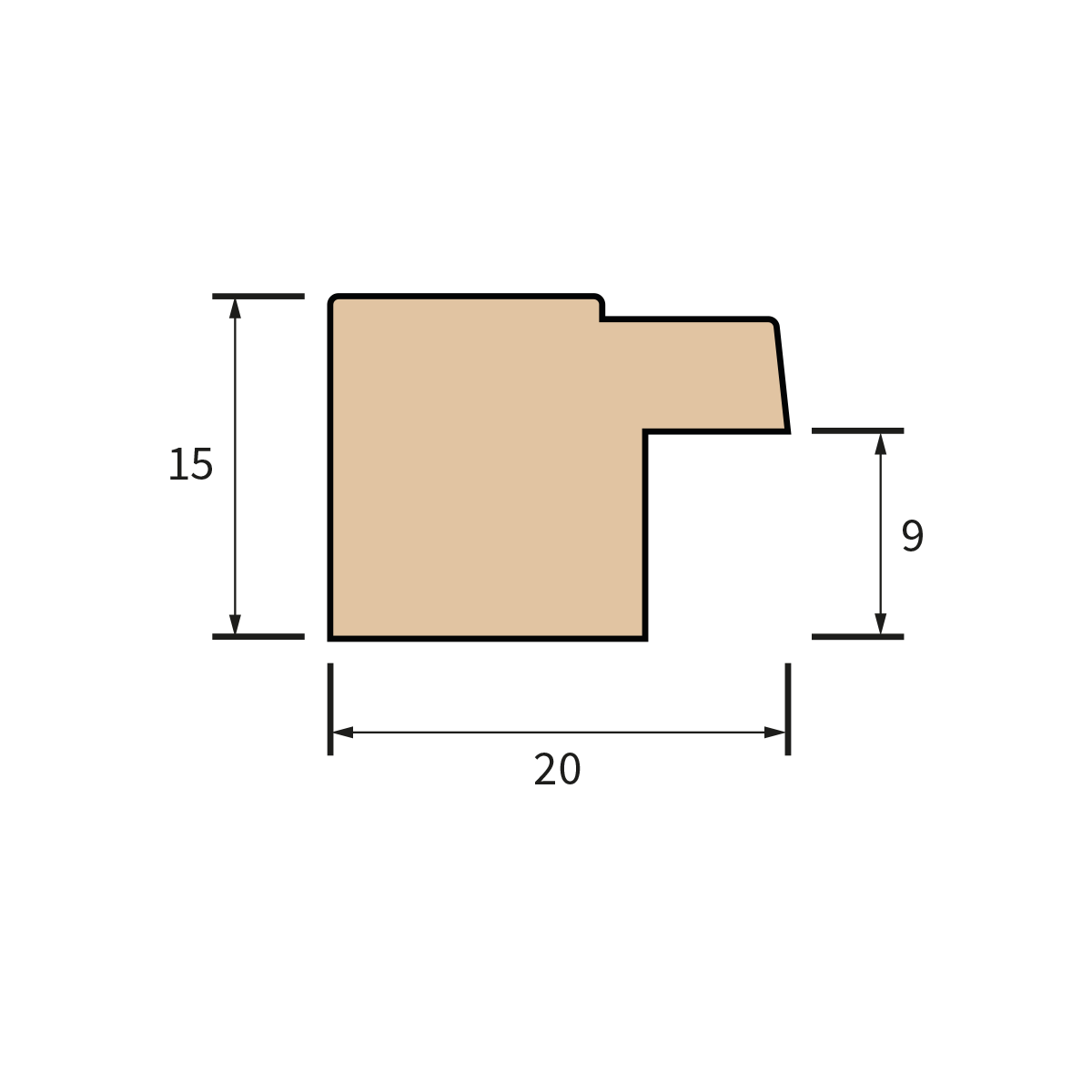
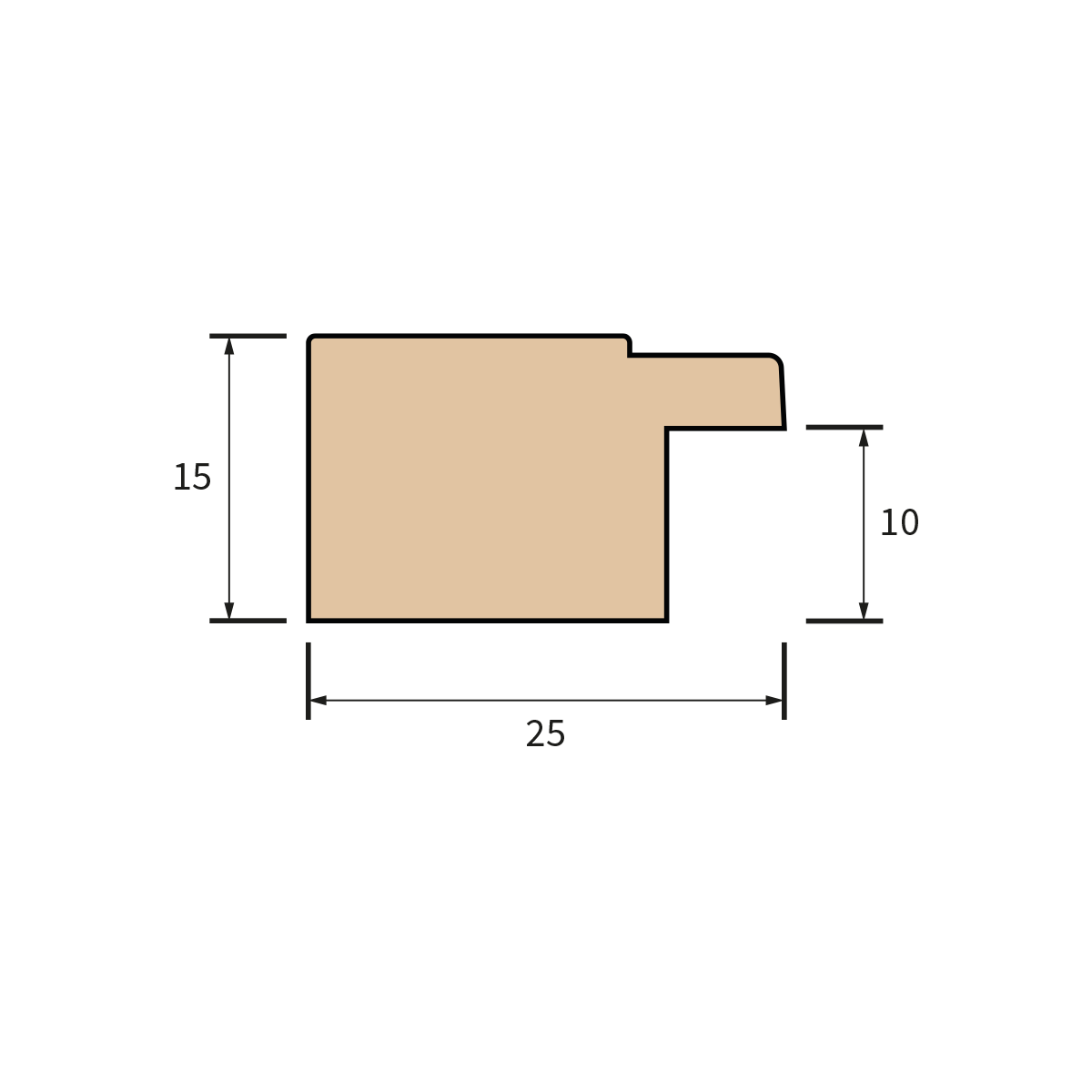
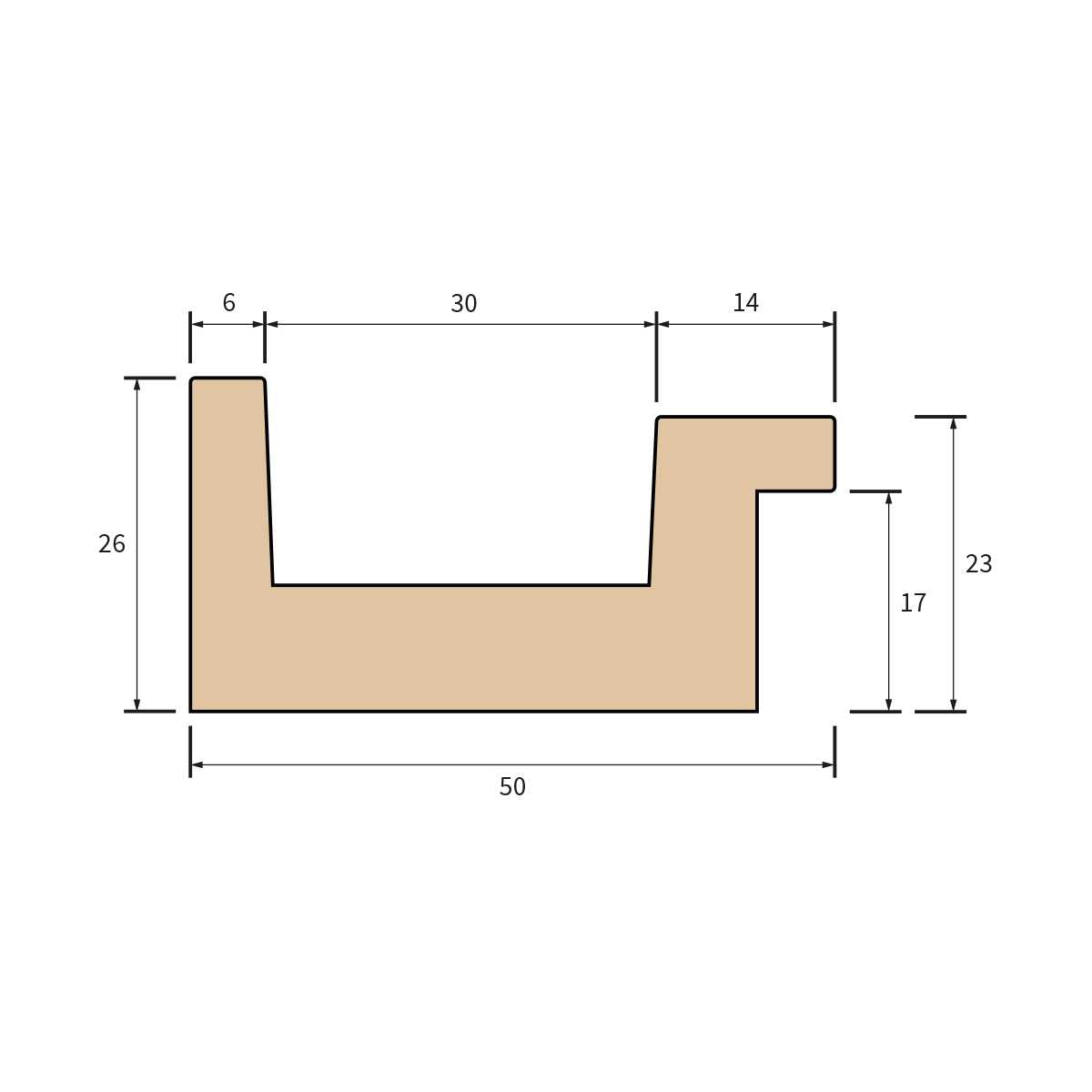
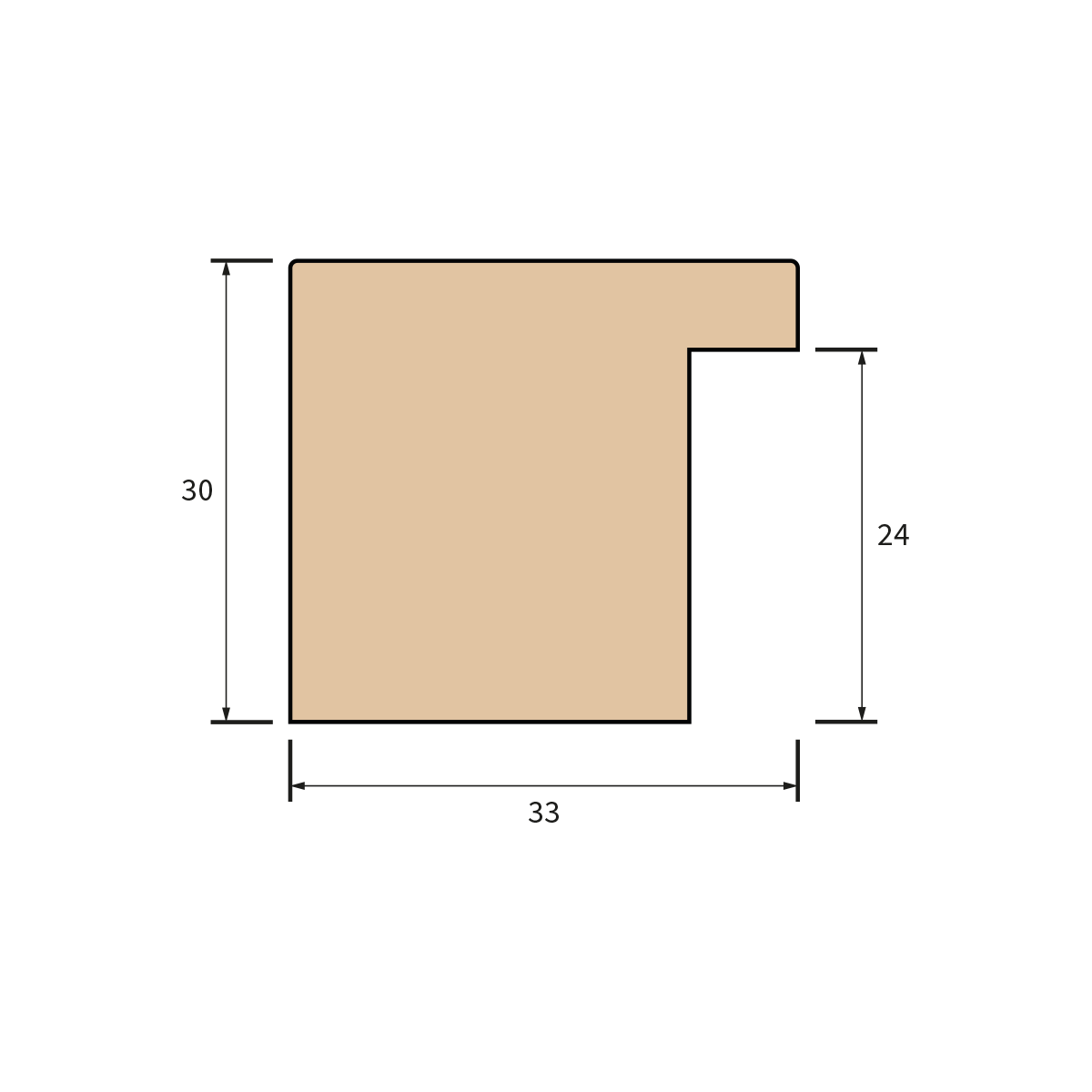
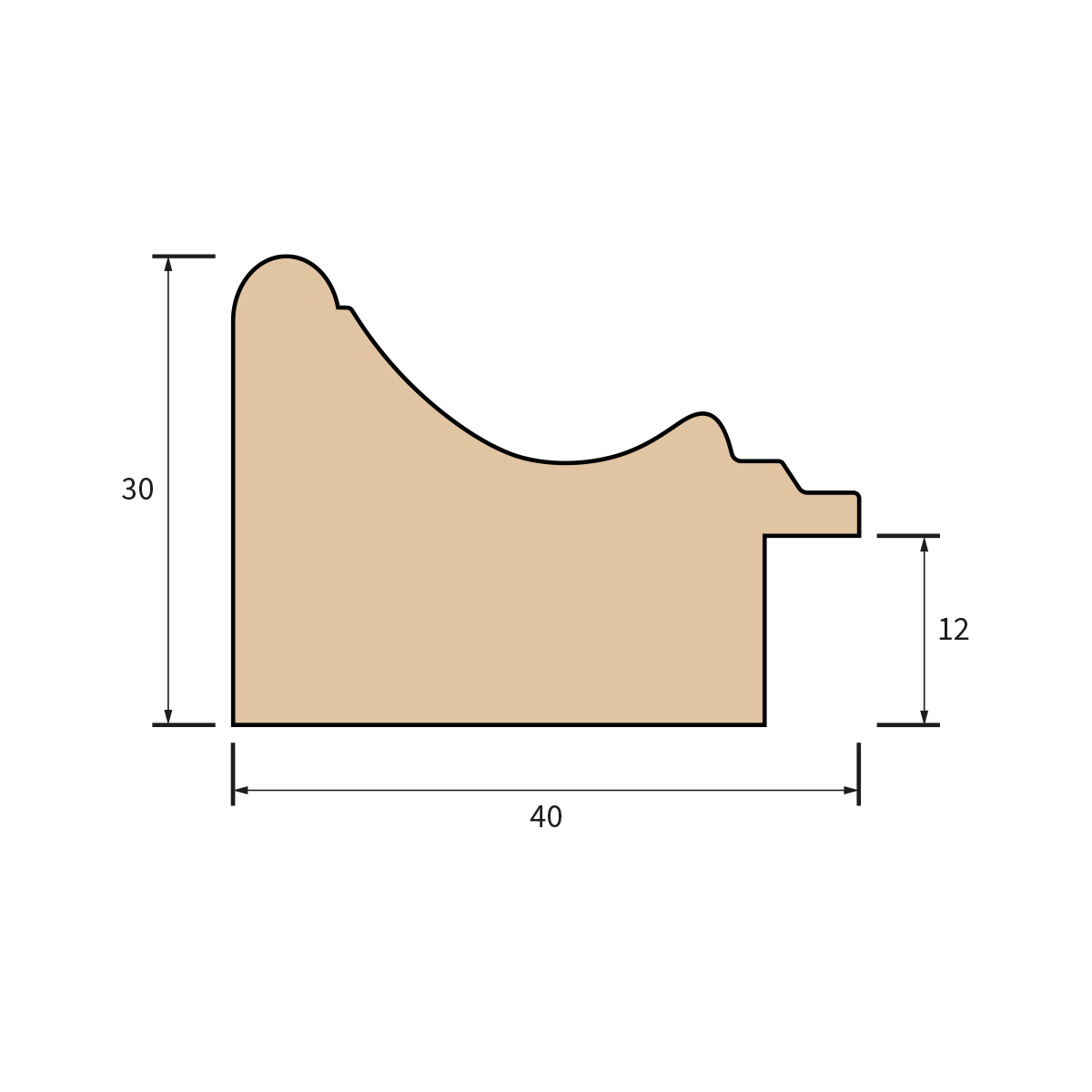
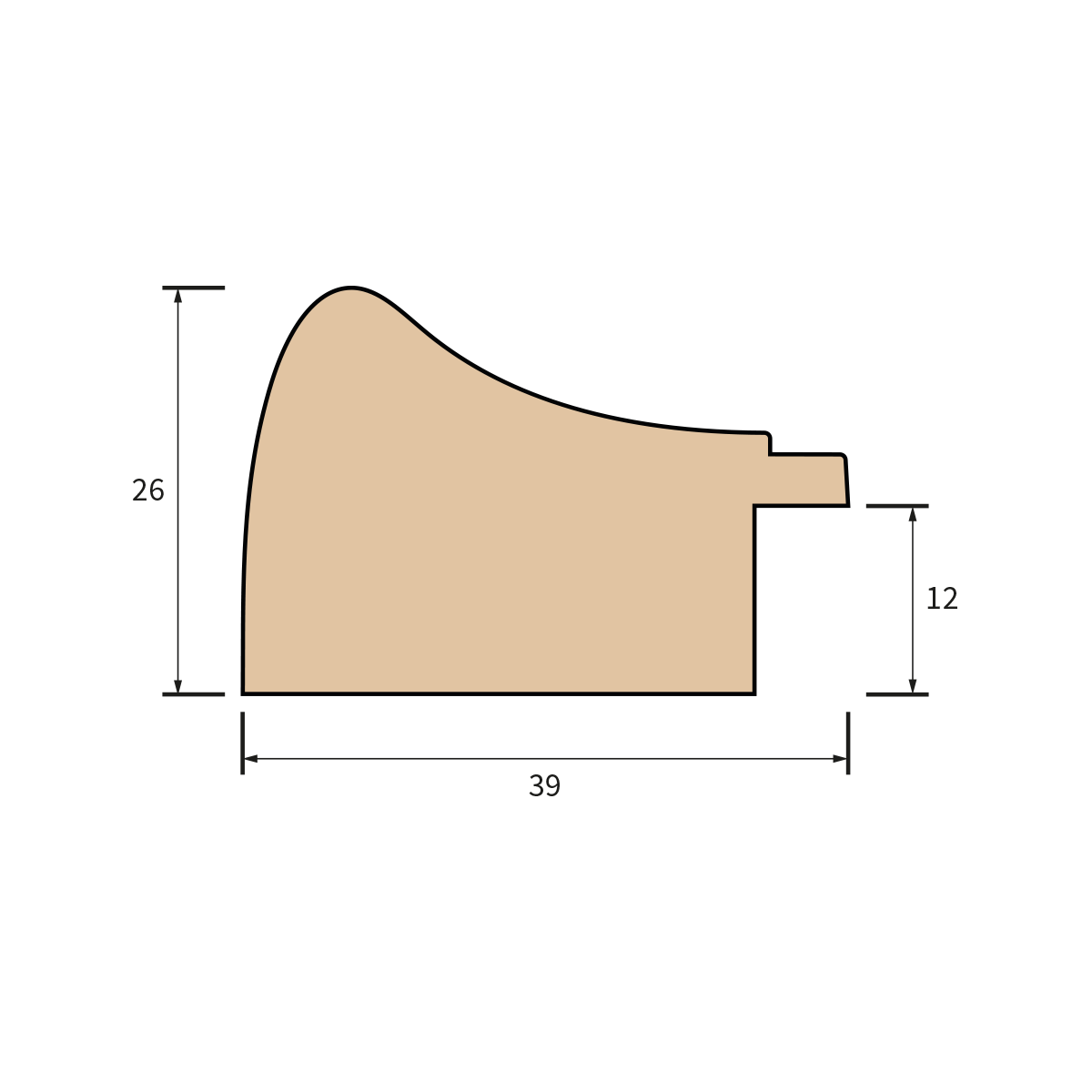
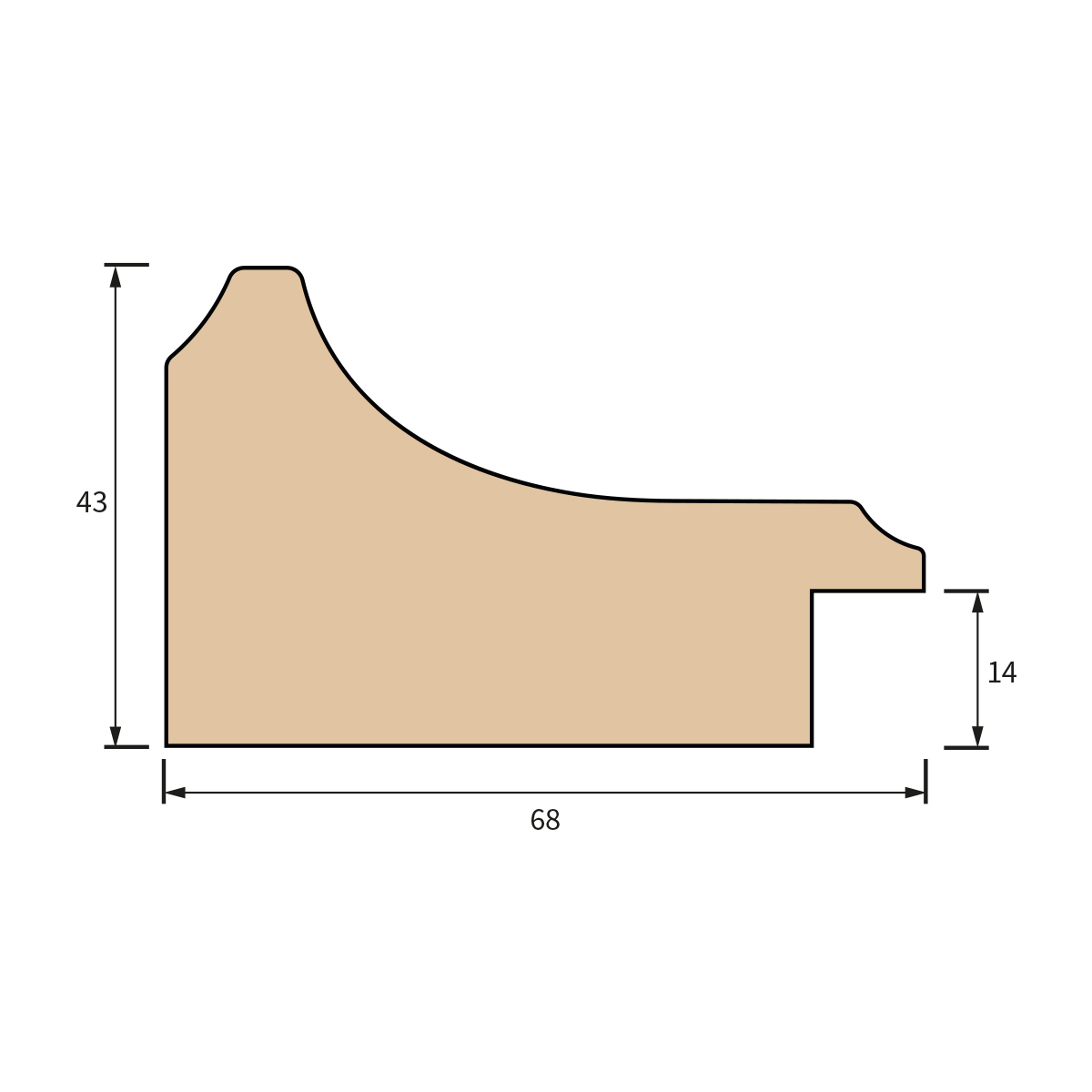
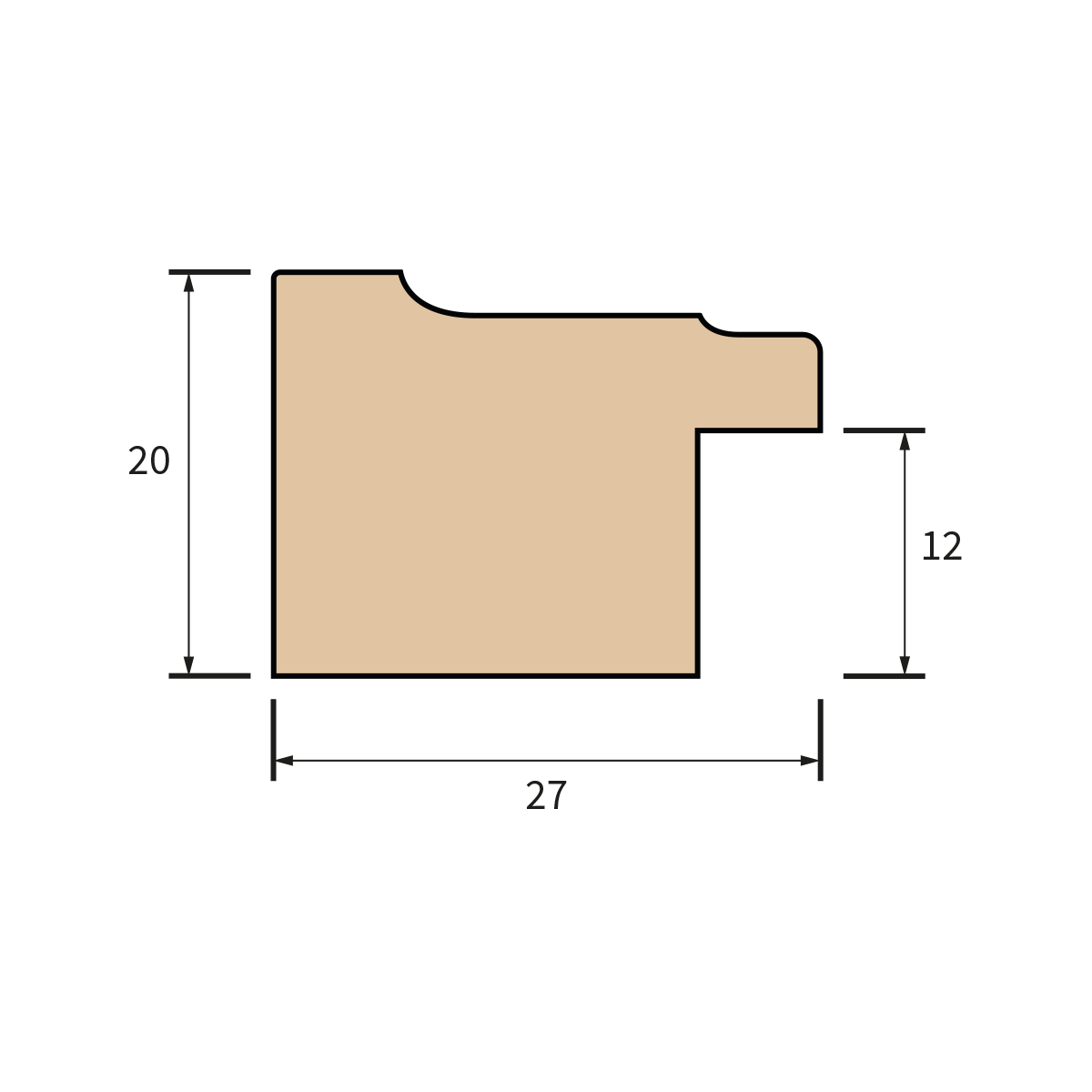
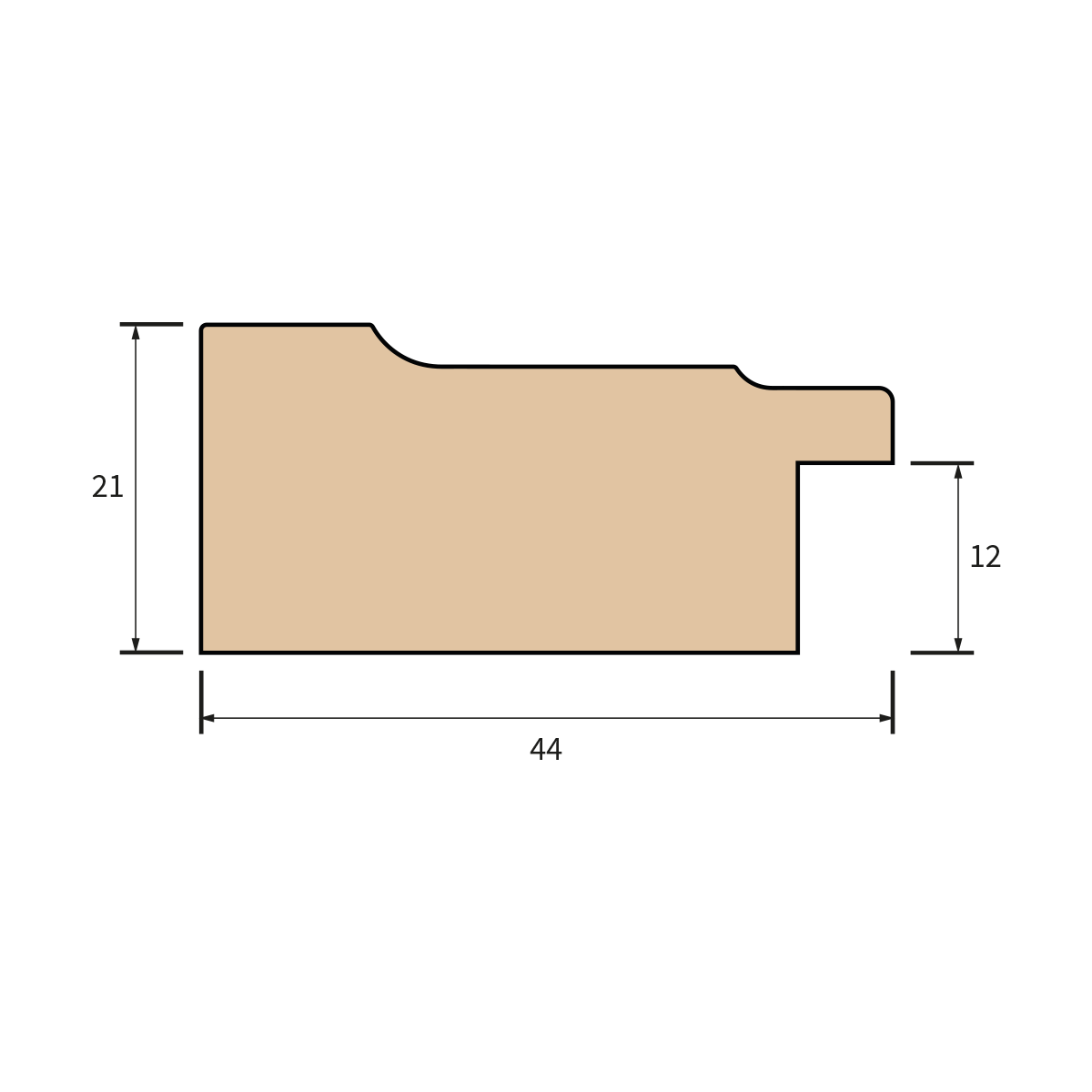
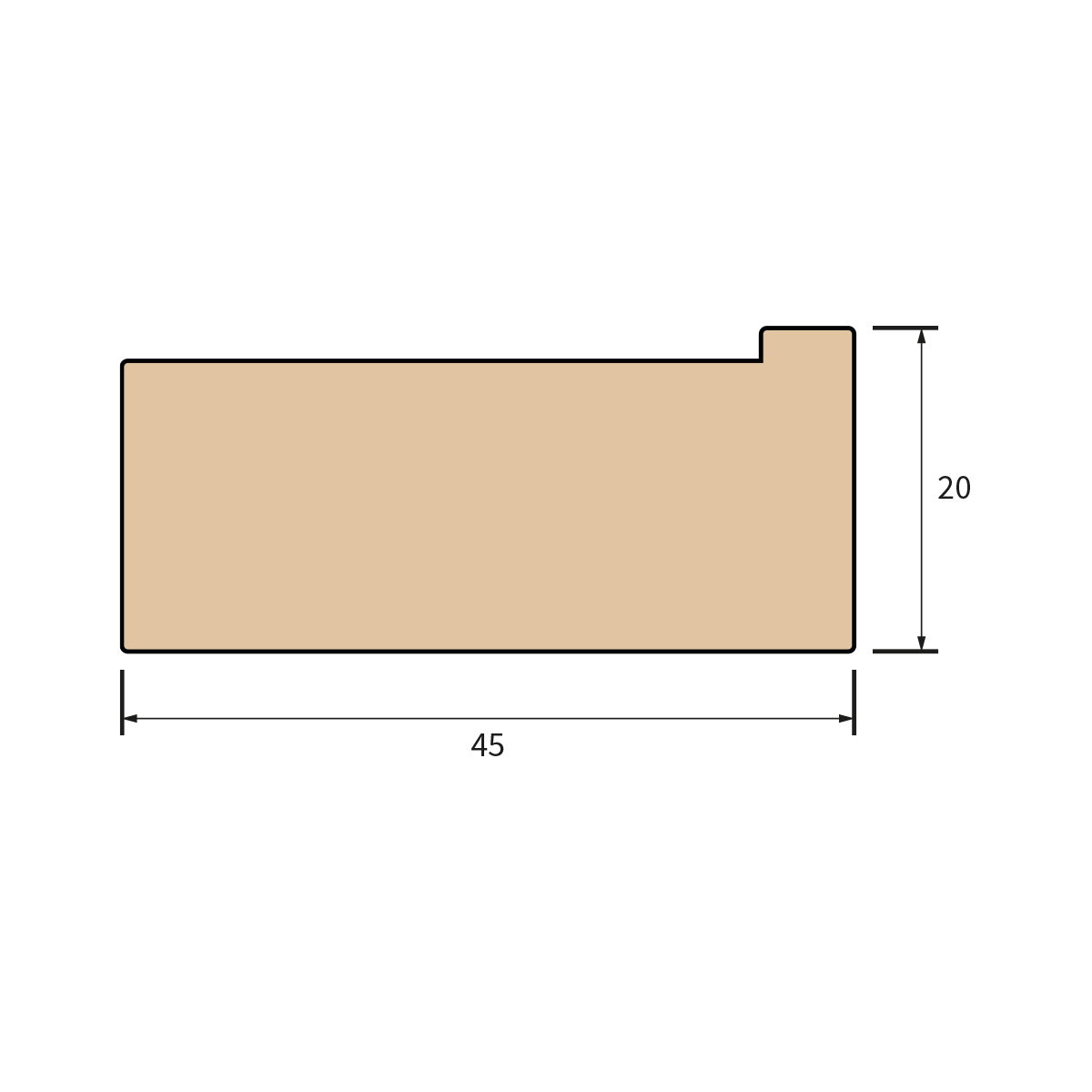
Frame Chevron
Pick a Mount Style
Step 3Decide whether the artwork should sit with a clean single mount, a more layered double mount, or directly in the frame.
Choose Mount Colour and Widths
Step 4Pick a mount colour and set the border width to match your artwork and frame style.
MOUNT
Mount dimensions are in mm.Bottom Mount Colour
Choose Backing & Extras
Step 5Select your backing board and add finishing touches that improve protection, display, and presentation.
Review Your Configuration
Step 6Take one final look at the build details, mount selections, add-ons, and total price before adding the custom frame to the basket.
- No additional options selected
Important Information
- The mount aperture is 10 mm smaller in width and 10 mm smaller in height than your artwork to hold it securely.
- All frames are custom-made to your specifications.
- Production time is typically 2-3 working days.
- Please double-check all dimensions before adding to basket.